
Best PS2 emulator for Android in 2026: tested, ranked, no fluff
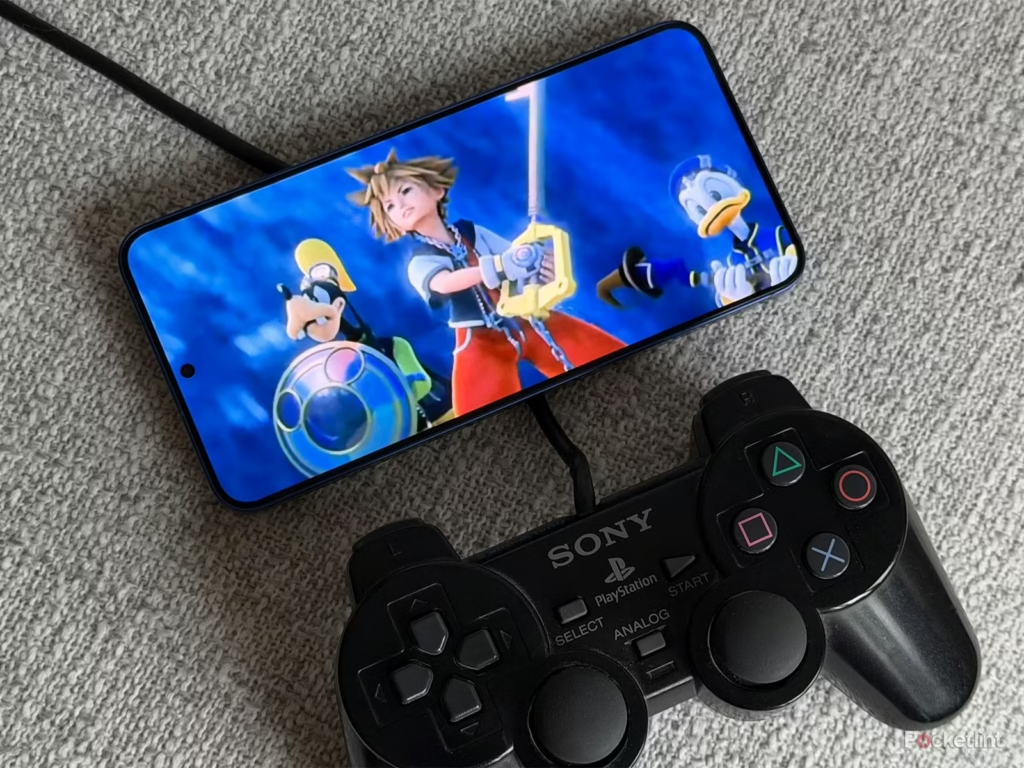
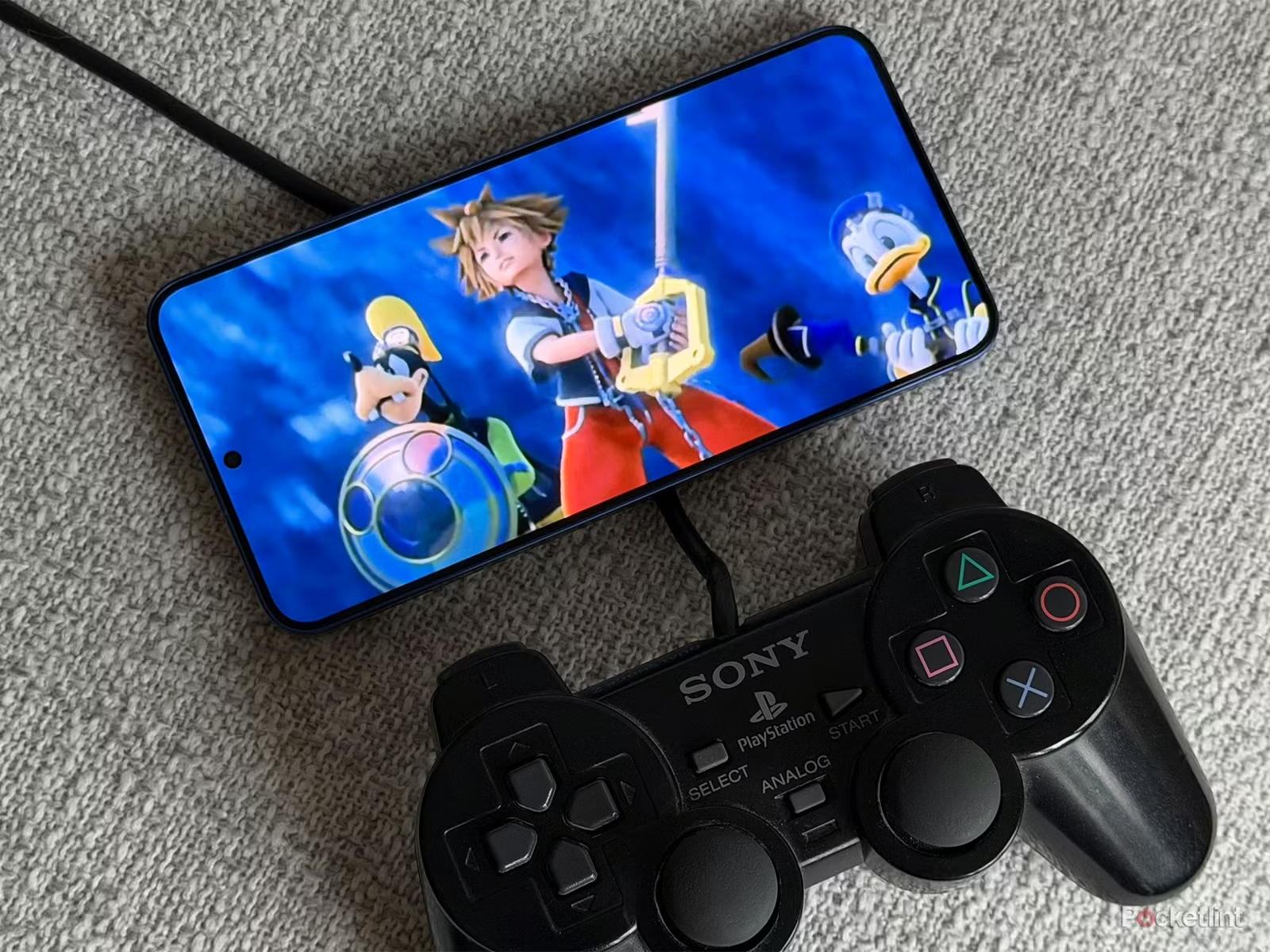
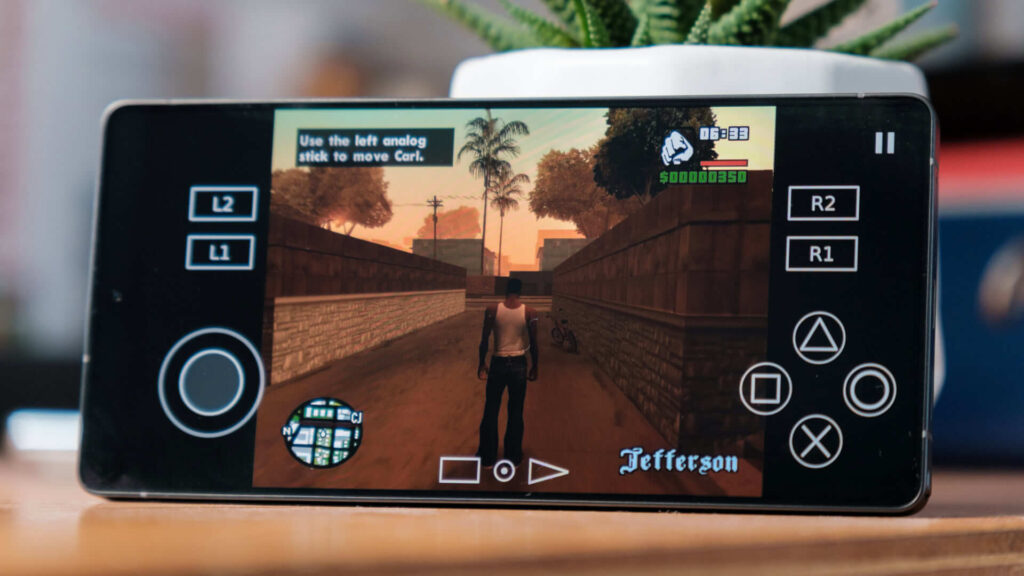
PS2 emulation on Android has come a long way. You can run God of War, Shadow of the Colossus, and GTA San Andreas on a phone you carry in your pocket. But the emulator landscape shifted hard over the last 2 years, and a lot of guides are still recommending apps that are abandoned, shady, or just not the right pick for your device.
This best android ps2 emulator guide covers what actually works in 2026, why it works, and what to avoid.
The short answer
NetherSX2 is the best PS2 emulator for Android right now if you have a flagship or upper mid-range phone (Snapdragon 870 or better).
AetherSX2 legacy builds are still the most compatible option overall, even though development stopped. Most advanced users stick with the final stable build.
DamonPS2 Pro works well on mid-range devices and is the easiest to set up, but comes with real trust issues (more on that below).
Play! is the only fully open-source, no-BIOS option and the safest pick for anyone worried about security.
None of these are perfect. PS2 emulation on Android is CPU-heavy, and your chipset matters more than anything else.
What you need before you start
Before picking an emulator, check your phone’s chipset.
PS2 emulation is far more demanding than PSP or PS1. Your phone needs at least a Snapdragon 845 (or equivalent MediaTek Dimensity 900+) for consistent performance. Anything below that and you’ll hit 20-30 FPS in heavier games, which is playable for some titles but frustrating for action games like God of War or Devil May Cry.
You also need a PS2 BIOS file for most emulators. good ps2 emulator for android is the system firmware the emulator uses to boot games. You’re supposed to dump it from a PS2 you own. That’s the legal requirement.
The best PS2 Android emulators
1. NetherSX2: best overall for modern phones
NetherSX2 is a community-patched version of AetherSX2, the most advanced PS2 emulator ever built for Android. It picks up where AetherSX2 left off after its developer abandoned the project in early 2023.
NetherSX2 is actively maintained with frequent fixes, while AetherSX2 is discontinued. The latest version (v2.2) delivered improvements for Jak and Daxter, GTA: San Andreas, and Metal Gear Solid 3.
What it does well:
- Runs Final Fantasy X, Shadow of the Colossus, and God of War 2 at stable 60 FPS on Snapdragon 8 Gen 1 and newer
- Free, zero ads, zero in-app purchases
- Expanded HID controller support for modern Bluetooth gamepads
- Memory card stability is much better than older AetherSX2 builds (fewer corrupted saves)
- Resolution upscaling up to 4x native, widescreen patches, texture filtering
Where it falls short:
- You have to sideload the APK (it’s not on Google Play)
- Phones under Snapdragon 845 drop to inconsistent frames in demanding scenes
- BIOS setup trips up first-timers who skip the setup guide
- No official support desk, just community forums and Discord
Best for: Users with a modern flagship or upper mid-range phone who want the best performance and don’t mind sideloading.
2. AetherSX2: best compatibility, still the most reliable
AetherSX2 was built specifically for Android and ARM devices by developer Tahlreth. It became the standard for PS2 emulation on mobile before development halted. Legacy builds remain the most powerful PS2 emulator option in terms of compatibility and speed, even in 2026.
The final stable build runs on Android 5.0+ and handles an enormous range of titles. The community has documented which settings work best for hundreds of games.
What it does well:
- Arguably the best mid-to-high-end device performance of any Android PS2 emulator
- Stable frame rates even in demanding scenes on Snapdragon 845+
- Clean interface, widely documented settings
- Supports save states, cheats, custom controller mapping, widescreen hacks
Where it falls short:
- Development is officially dead. No new updates
- Won’t be optimized for newer Android versions or newer hardware going forward
- Sideload only (removed from Play Store)
Best for: Users who want maximum game compatibility and aren’t worried about future update support.
3. DamonPS2 Pro: easiest setup, but read the warnings first
DamonPS2 Pro is the most accessible PS2 Android emulator. It’s on Google Play, boots games fast, and works reasonably well on mid-range phones. For games like God of War 2, the results are smooth frame rates and minimal lag on a mid-range phone.
But there are serious concerns you should know about before downloading it.
The PCSX2 team accused the developers of DamonPS2 of stealing PCSX2’s source code and violating its GPLv2 license. DamonPS2 was briefly pulled from Google Play following a DMCA request. It also requires a constant internet connection to run (even for offline games), and it requests access to contacts and location data that have nothing to do with emulation.
These aren’t small concerns. Whether you’re comfortable with that is your call.
What it does well:
- Available directly on Google Play (easiest install)
- Fast boot times, auto-scans storage for game files
- Supports .iso, .bin, .img, .nrg formats
- 2x-5x resolution rendering up to 1080p HD
- The Pro version ($7.80 one-time) removes ads and unlocks frame rate caps
Where it falls short:
- Requires constant internet connection for authentication
- Collects user data unrelated to emulation
- Accused of PCSX2 source code theft (never fully resolved)
- Free version has ads and limited graphics options
- Occasional texture glitches in cutscenes
Best for: Casual users on mid-range devices who prioritize ease of setup over transparency.
4. Play!: the only fully open-source option
Play! is the most transparent and trustworthy PS2 emulator available. It’s open-source, actively maintained, and doesn’t require a BIOS file.
Setup is genuinely simple. Download the APK, load a game file, play. No BIOS hunting, no sideload anxiety. The trade-off is performance: Play! can’t handle graphically intensive PS2 games well. Simpler titles (turn-based RPGs, 2D games, older titles) run fine. God of War does not.
What it does well:
- No BIOS required (huge for beginners)
- Completely free, no ads, no paid tier
- Open-source (the code is public and auditable)
- Available on Google Play
- Actively maintained with regular updates
Where it falls short:
- Noticeably worse performance than AetherSX2 or NetherSX2
- Struggles with graphically heavy titles
- Lower game compatibility overall
Best for: Anyone who wants a safe, beginner-friendly emulator for lighter PS2 titles without the BIOS setup headache.
5. RetroArch (with PCSX2 core): for advanced users
RetroArch is a multi-system emulator frontend that runs different emulator “cores,” including a PCSX2 core for PS2 games. More than just a PS2 emulator for Android, RetroArch is a multi-platform emulator that supports a wide range of gaming consoles.
It’s powerful. It’s also genuinely intimidating to set up. Getting the PCSX2 core running on Android with correct BIOS placement and per-game settings takes patience. The performance when configured correctly is excellent, but most users are better served by NetherSX2 or AetherSX2.
Best for: ps2 best emulator for android Experienced emulation users who already use RetroArch and want PS2 support inside their existing setup.
Side-by-side comparison
| Emulator | Performance | Ease of setup | Cost | Active updates | BIOS needed | On Google Play |
|---|---|---|---|---|---|---|
| NetherSX2 | Excellent | Medium | Free | Yes | Yes | No (sideload) |
| AetherSX2 | Excellent | Medium | Free | No | Yes | No (sideload) |
| DamonPS2 Pro | Good | Easy | Free / $7.80 Pro | Yes | Yes | Yes |
| Play! | Fair | Easy | Free | Yes | No | Yes |
| RetroArch | Excellent | Hard | Free | Yes | Yes | Yes |
What chipset do you need?
This matters more than which emulator you pick.
Flagship tier (best experience): Snapdragon 8 Gen 1, 8 Gen 2, 8 Gen 3, Dimensity 9000+. Demanding games like God of War 2 and Shadow of the Colossus run at 60 FPS with upscaling enabled.
Upper mid-range (good experience with tuning): Snapdragon 870, 888, Dimensity 1200. Most games run well. ps2 android emulator Some demanding titles drop to 30-40 FPS in heavy scenes.
Mid-range (playable with compromises): Snapdragon 765G, 778G, Dimensity 900. Simpler games run fine. Turn off upscaling, keep resolution at native or 2x max.
Budget/older phones: Below Snapdragon 730, expect inconsistent performance. PS2 emulation on these devices is frustrating rather than fun.
Is PS2 emulation on Android legal?
Emulators themselves are legal. Running your own game files (ISOs) dumped from discs you own is legal.
Downloading ROMs from the internet is copyright infringement, regardless of whether you own the physical game. That’s the line.
Most emulators require a PS2 BIOS file, which you’re supposed to dump from a real PS2 console using a tool like DumpTool. Getting the BIOS from random websites puts you in a grey area legally and a sketchy area security-wise.
Recommended settings for NetherSX2 and AetherSX2
These settings work well on mid-to-high-end devices as a starting baseline:
- Renderer: Vulkan (OpenGL if you see graphical glitches)
- Internal resolution: 2x native (4x if flagship)
- Upscaling fixes: On
- Widescreen patches: On (for supported games)
- Multi-thread VU1: On
- Frame limiter: Enabled at 100%
- MTGS: On
Adjust per game. Some titles run better with OpenGL. Some need frame skip disabled. The NetherSX2 Discord has per-game settings for hundreds of titles.
Frequently asked questions
What is the best PS2 emulator for Android in 2026?
NetherSX2 is the best PS2 Android emulator for modern phones (Snapdragon 870+). For maximum game compatibility across older and newer devices, AetherSX2 legacy builds remain the most reliable option. Play! is the safest pick for beginners who want zero setup friction.
What is the best free PS2 emulator for Android?
NetherSX2, AetherSX2, and Play! are all completely free with no ads or in-app purchases. DamonPS2 has a free version but it includes ads and limited features.
Do PS2 emulators work on budget Android phones?
Inconsistently. PS2 emulation needs at least a Snapdragon 765G or equivalent for playable performance. On budget devices, Play! with simpler titles is your best option.
What is the android emulation game PS2?
PS2 android emulation refers to running PlayStation 2 games on Android phones using software like NetherSX2, AetherSX2, DamonPS2, or Play!. The emulator mimics the PS2’s hardware so Android can run original PS2 game files.
Is DamonPS2 safe to use?
DamonPS2 is available on Google Play and runs PS2 games, but the PCSX2 development team accused it of source code theft, and the app requires internet access and collects data unrelated to emulation. Play! or NetherSX2 are more trustworthy options.
Can I play God of War on Android with a PS2 emulator?
Yes, on a mid-to-high-end phone. God of War runs well on Snapdragon 870+ devices with AetherSX2 or NetherSX2 at 2x resolution. Lower-end phones will drop frames in heavy combat scenes.
What is a good PS2 emulator for Android on older phones?
Play! or DamonPS2 free version are your best options on older hardware. Lower all graphics settings, set resolution to native, and disable upscaling for the most stable experience.
The bottom line
Pick based on your phone:
- Flagship or upper mid-range phone: NetherSX2
- Want maximum game compatibility: AetherSX2 (final stable build)
- Want Google Play install, mid-range device: DamonPS2 Pro (with the privacy caveats noted)
- Beginner, budget phone, lighter games: Play!
PS2 emulation on Android is genuinely impressive in 2026. God of War at 60 FPS on a phone would have seemed ridiculous 10 years ago. With the right emulator and the right settings, it’s a real option now.