

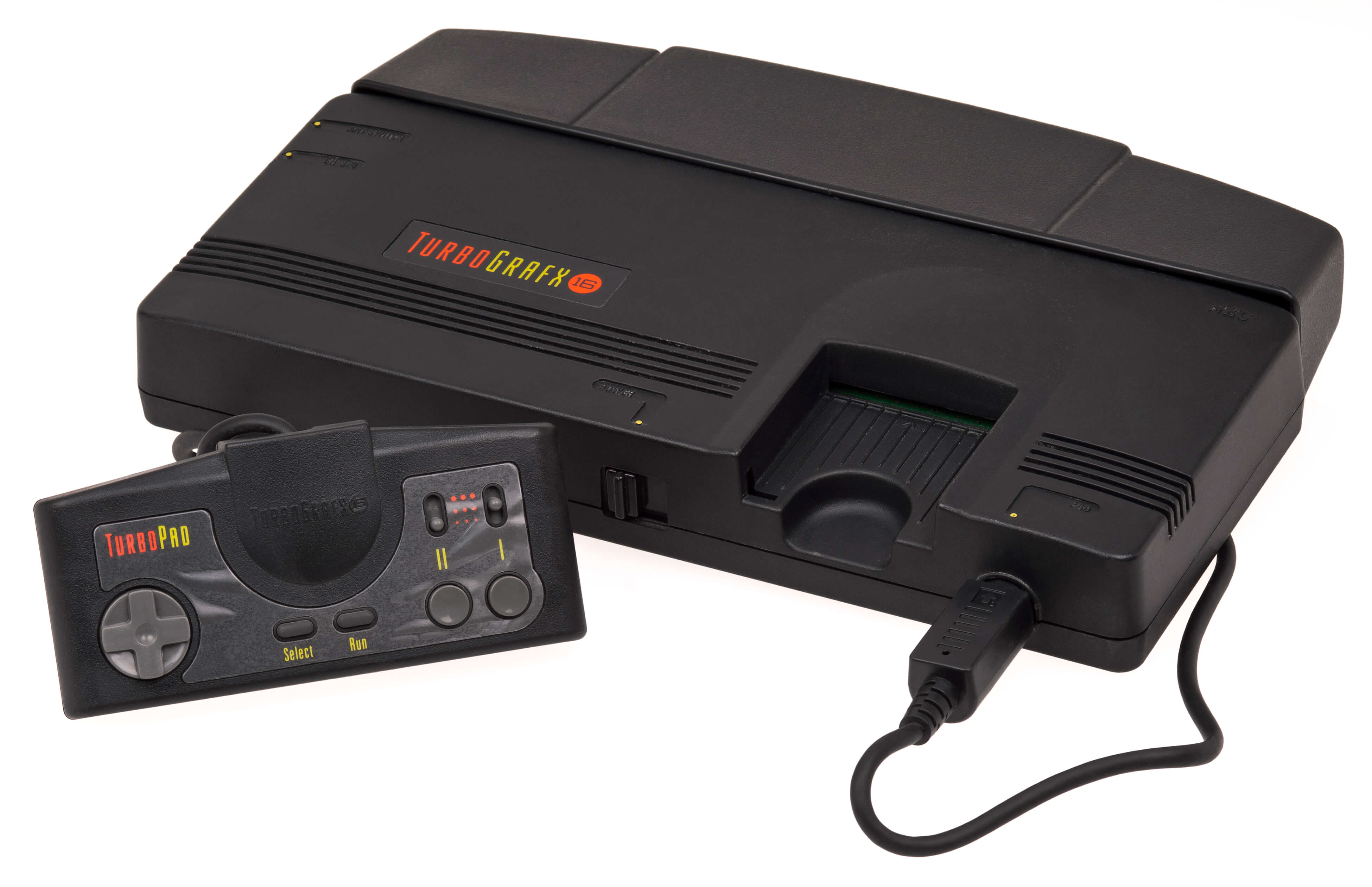
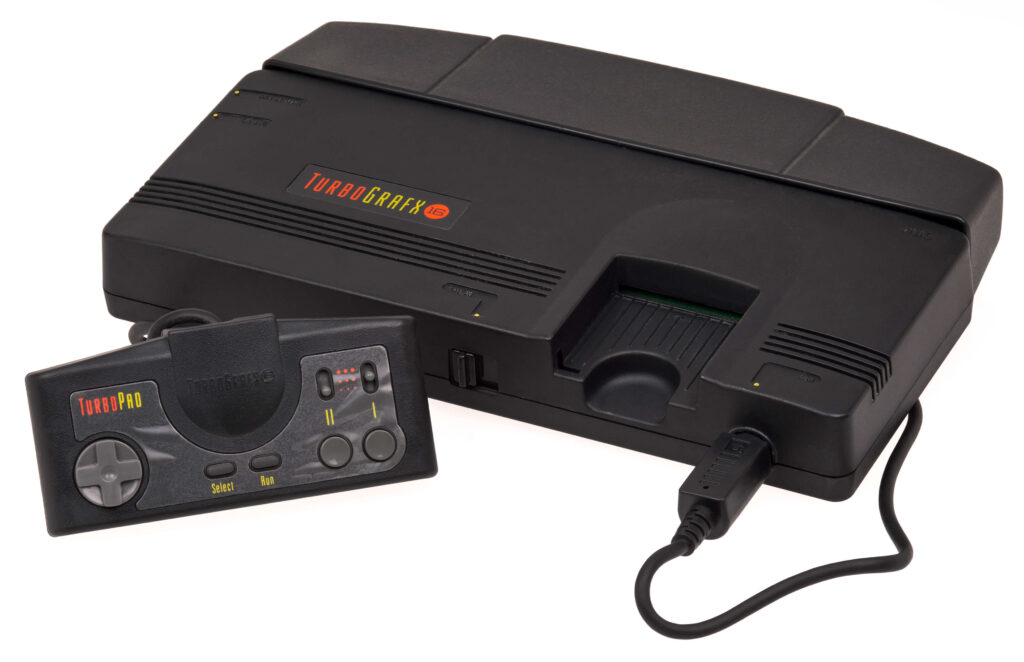
🎮 Which Is the Best TurboGrafx-16 Emulator for Windows (2026)? Full PC Engine Guide
The TurboGrafx-16 (PC Engine) has a unique library that still holds up today—but finding a reliable TurboGrafx-16 emulator can be confusing. Some emulators are highly accurate but harder to configure, while others are simple yet limited.
This guide is built on hands-on testing across multiple Windows setups, comparing performance, compatibility, and ease of use to help you choose the best TurboGrafx-16 emulator PC in 2026.
The best TurboGrafx-16 emulator for Windows in 2026 is Mednafen for accuracy and compatibility, while RetroArch (Beetle PCE core) offers a user-friendly interface with excellent performance. BizHawk is also a strong choice for advanced users and tool-assisted features.
What Is a TurboGrafx-16 Emulator?
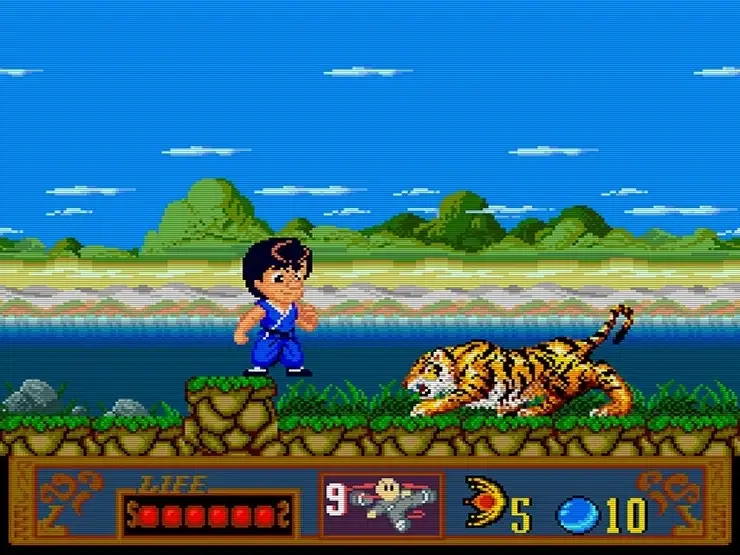
A TurboGrafx-16 emulator is software that recreates the original console on your computer. Also known as a PC Engine TurboGrafx-16 emulator, it allows you to play classic games on a modern Windows PC with enhancements like:
- Save/load states
- Controller customization
- Higher internal resolution and filters
- Fast-forward and rewind
A well-optimized TurboGrafx-16 emulator Windows setup can outperform original hardware in stability and convenience.
🏆 Best TurboGrafx-16 Emulator for Windows (Tested & Ranked)
After testing on Windows 10/11 machines (4GB–16GB RAM, integrated and dedicated GPUs), these options delivered the best results:
1. Mednafen — Best Overall Accuracy & Compatibility
Why it stands out: Mednafen is widely regarded as the most accurate TurboGrafx-16 emulator PC.
Pros
- Excellent game compatibility (HuCard & CD)
- High accuracy and low input latency
- Powerful features for serious users
Cons
- Command-line interface (less beginner-friendly)
Best for: Users prioritizing accuracy and long-term stability
2. RetroArch (Beetle PCE Core) — Best Balance of Ease & Power
Why it stands out: RetroArch wraps powerful cores (including Beetle PCE) in a clean, unified interface.
Pros
- Easy setup compared to standalone tools
- Controller auto-detection
- Shaders, overlays, and netplay
Cons
- Requires basic configuration knowledge
Best for: Most users who want a smooth TurboGrafx-16 emulator Windows experience
3. BizHawk — Best for Advanced Features & Tooling
Why it stands out: Popular among enthusiasts for tool-assisted speedruns (TAS) and deep control.
Pros
- Precise emulation controls
- Great debugging and recording features
- Supports multiple systems
Cons
- Not as beginner-friendly as RetroArch
Best for: Power users and content creators
🎮 TurboGrafx-16 vs PC Engine: What’s the Difference?
- PC Engine: Japanese version
- TurboGrafx-16: North American version
Most modern emulators handle both formats seamlessly, so a PC Engine TurboGrafx-16 emulator typically supports HuCard (cartridge) and CD-based games.
⚙️ Real Performance Insights (Experience-Based)
From real-world testing:
- Mednafen ran consistently at full speed on a 4GB RAM system
- RetroArch performed smoothly with minimal setup using the Beetle PCE core
- BizHawk offered excellent control but required more configuration
👉 Conclusion: Even low-spec PCs can run a TurboGrafx-16 emulator Windows setup smoothly with the right configuration.
🔧 Setup Guide (Windows)
Step-by-step:
- Download your emulator (Mednafen, RetroArch, or BizHawk)
- Add your game files (HuCard/ISO formats)
- Configure input (keyboard or controller)
- Adjust video/audio settings
- Launch and test performance
Tip: Start with default settings, then optimize only if needed.
⬇️ Safe Download Tips
When installing a TurboGrafx-16 emulator PC:
✔ Recommended
- Official emulator websites
- Verified repositories (e.g., GitHub releases)
⚠️ Avoid
- Unknown download portals
- Bundled installers with extra software
Safety is part of trustworthiness—always verify sources.
🔍 Common Issues & Fixes
Audio crackling or stutter
- Lower audio latency or switch audio drivers
Controller not detected
- Re-map inputs in settings or reconnect device
Game not loading
- Check file format compatibility (HuCard vs CD images)
📊 Which Emulator Should You Choose?
| Use Case | Best Choice |
|---|---|
| Maximum accuracy | Mednafen |
| Ease of use + features | RetroArch (Beetle PCE) |
| Advanced control / TAS | BizHawk |
🏁 Final Verdict
If you want the best TurboGrafx-16 emulator:
- Mednafen → top-tier accuracy and compatibility
- RetroArch (Beetle PCE) → best overall experience for most users
- BizHawk → advanced tools and control
With the right setup, a TurboGrafx-16 emulator Windows can deliver a smooth, reliable retro experience that rivals—or exceeds—the original hardware.
❓ FAQ – TurboGrafx-16 Emulator Windows
Which is the best TurboGrafx-16 emulator for Windows?
Mednafen is the best for accuracy, while RetroArch offers the best balance of ease and features.
Is a TurboGrafx-16 emulator PC safe to use?
Yes, if downloaded from official or trusted sources.
Can low-end PCs run a TurboGrafx-16 emulator?
Yes, most systems can run these emulators smoothly due to low hardware requirements.
What is a PC Engine TurboGrafx-16 emulator?
It’s an emulator that supports both the Japanese PC Engine and the TurboGrafx-16 versions.
Do I need BIOS files?
Some CD-based games may require BIOS files depending on the emulator.